Showing posts with label manip tutorial. Show all posts
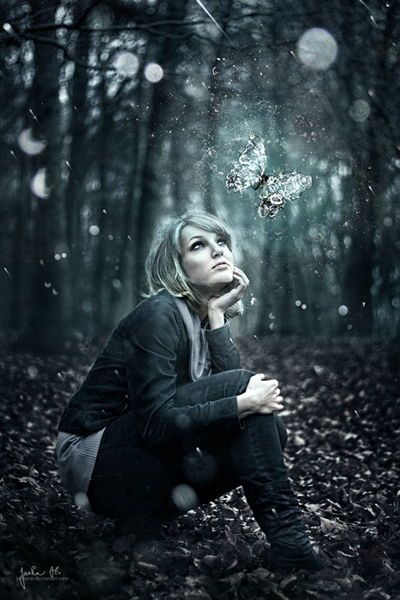
How to Use Light and Shadow to Create a Dramatic Photo Effect with Photoshop
In this tutorial you´ll learn how you can change light scene in your photography or photo manipulation to get dramatic atmosphere. I´ll also show you how you can use Channels to easily change sky, how you can use different filters to create dreamy effect and give you several tips on color adjustments.
How to Change Ordinary Photo into Fantasy Photo Manipulation
In this tutorial I'd like to show you how you can change ordinary photo into a fantasy photo manipulation and also different ways how you can play with lights and shadows.
Preview of Final Results
Readers Ask #1: How do you apply textures?
I got that question quite few times so I think it could be interesting post to write an answer on it :)
I have no special secrets in applying textures. To blend it good with the rest of the picture and to make it interesting, you need to consider following points:
- Try to use different blending modes. Every texture is different which means that it needs different blending mode. My favorite are Screen and Soft Ligh, but I always try all of them to see what´s really the best. You should try it too.
- According to my experiences the texture looks usually better if you lower its opacity. Normaly I set it on 15 - 35%. The effect is not so harsh thanks to it. But there are excepions of course.
- I usually use desaturated versions of textures because I just want to add details and not to change colors.
- You can get really interesting results by combining more textures.
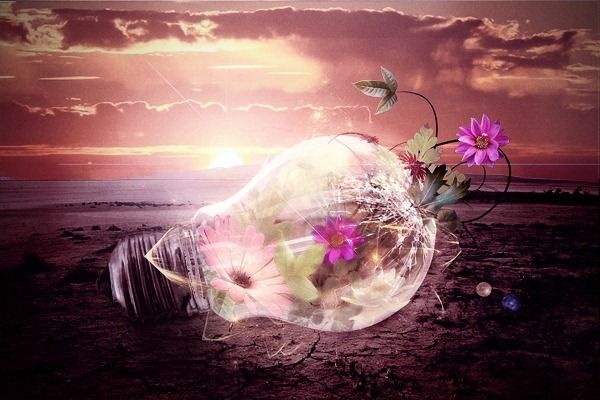
Inspiring Light Bulb Photo Manipulation Photoshop Tutorial
In this tutorial I'd like to show you an easy and quick way on how to blend glass and apply lighting effects and color adjustments to get the exact picture you want.

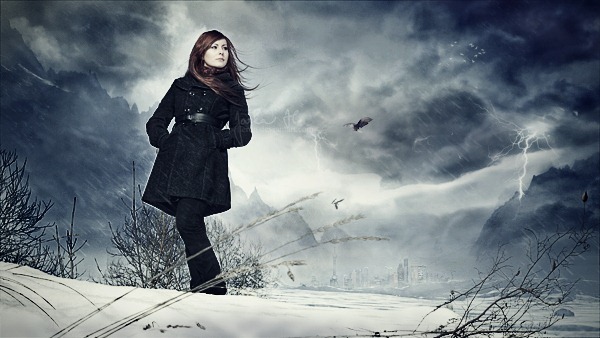
Create a Mysterious Fashion Photo Manipulation in Photoshop
In this tutorial you'll learn how to use different custom brushes to create stormy weather, save your masks to save your time, work with different adjustment layers, and make adjustments only on small parts of the image to achieve the exact result you want. Let's get started!
3 The Most Common Photomanipulation Mistakes
When I started with doing photo manipulation I´ve read tons of tutorials. They´re excellent way of learning in Photoshop but most of them are walkthroughs which don´t give you more general advices such as why your artwork doesn´t look realistic or why something looks weird but you don´t know what.
In this article I´d like to give you list of ideas what you should keep in mind while creating your manips. You can use it as a checklist if everything is correct before publishing your work or if you´re trying to discover that "something what looks weird".
There are three areas of things to consider:
- perspective,
- colors,
- light.
![]() |
| Unpredictability |
A Photo Manipulator's Guide to Blending
Blending is the essential skill for every photo manipulator and it´s one of the first things to learn. Without proper blending your images won't look believable. There are several ways how to blend images together. In this article I'd like to cover basic techniques which are essential for every manipulation.
Serene Fantasy Photo Manipulation
This tutorial shows you how to combine different stock photos to create calm landscape manipulation. You will learn different techniques of blending, changing lights and shadows and color adjustments. Let's get started!
Create a Spooky Halloween Photomanipulation
Add Magical Light in Less Than 7 Minutes
VIDEO INSIDE! In this tutorial I´d like to show you quick and effective way how to create diffused, magical light in your work. It´s very universal way which can be used in both photography and photomanipulation.
Turn Ordinary Snapshot into a Beautiful Doll Portrait
Have you ever wonder how to easily change simple snapshot into a nice looking doll portrait? In this article I will show you how to do that with using of minimal time and Photoshop tools!
How to Create an Amazing Apocalyptic Photo Manipulation in Photoshop
This tutorial will show you how to compose an image using 3D and painted elements. These techniques include setting the global light of your manipulation and adding shadow and color adjustments.
Create an Intense Apocalyptic Photomanipulation
Learn how to create this amazing apocalyptic photo manipulation with Photoshop! You’ll learn how to blend elements such as water and moon, create seamless structures with the Clone Stamp tool, and finish it off with a cold movie photo effect.
Saturation vs Vibrance
Just a quick update. RecentlyI´ve intalled Photoshop CS5instead of CS3 and was wondering what´s the difference between Vibrance and Saturation. I´ve discovered great video on youtube explaining it and wat to share it with you.
IYM #2: Set Your Light Source
Hello my dear readers,
I´ve decided to create short set of articles called "Improve Your Manipulation" about some basic topics related to creation of photomanipulations.
When I started doing manips three years back I had several problems with creating realistic looking picture. So in these articles I want to mention some of these problems to help you to improve your work.
I would appreciate if you say your opinion about the article in the comments or on dA and let me know if you´d have some ideas for a new topic.
IYM #1: Everything Has Shadows
Hello my dear readers,
I´ve decided to create short set of articles called "Improve Your Manipulation" about some basic topics related to creation of photomanipulations.
When I started doing manips three years back I had several problems with creating realistic looking picture. So in these articles I want to mention some of these problems to help you to improve your work.
Create a Deathly Photo Manipulation
In this tutorial I will show you how to combine photos with simple 3D elements to get realistic looking picture. I will also show you different ways how to set lights and shadows and how to adjust colors and apply texture to unify the overall look. Let’s get started!
Subscribe to:
Posts (Atom)